




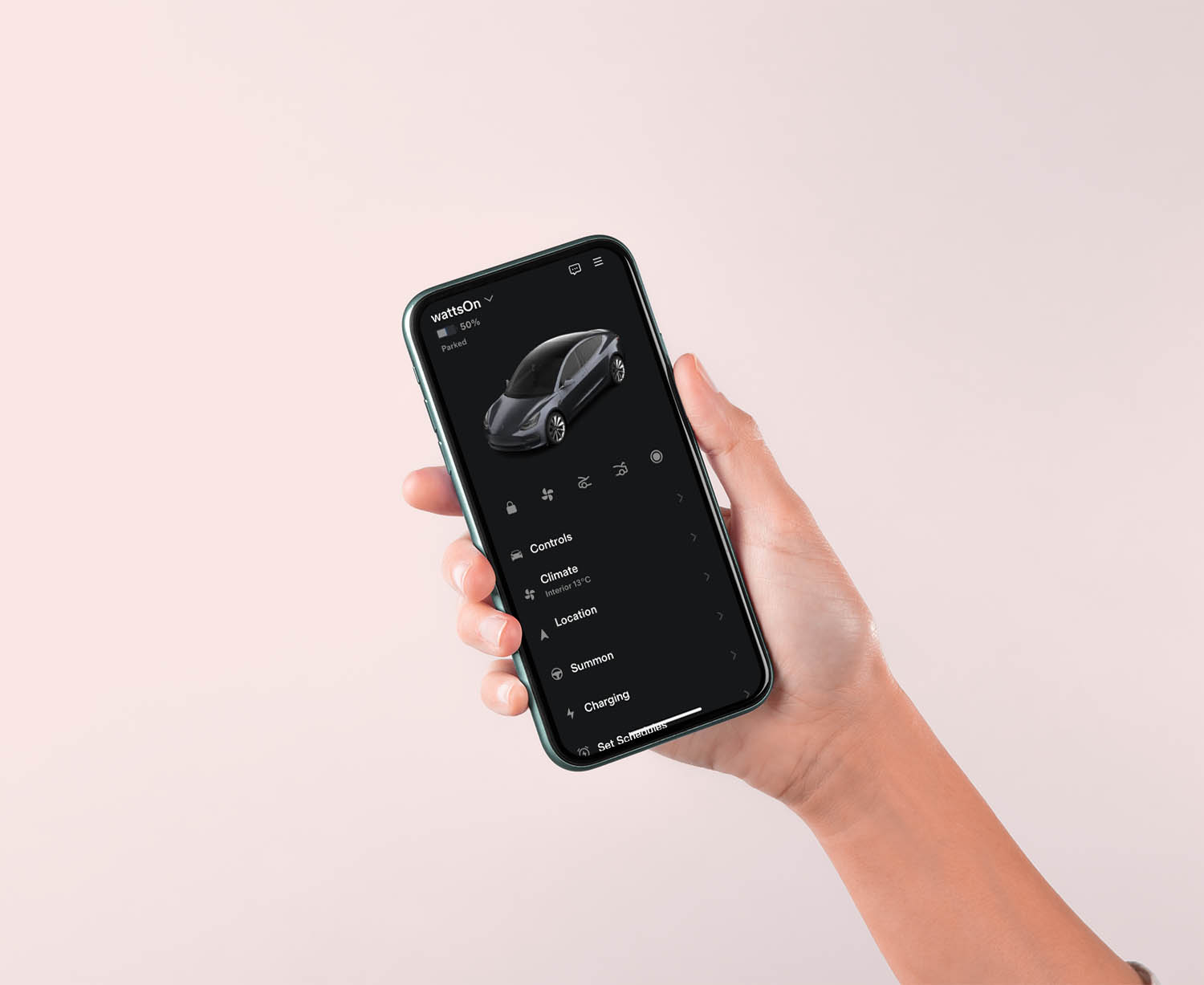
Tesla has rolled out an update to its iOS app introducing a redesigned Charging tab and new energy-management features, offering users greater control over how their vehicles consume power while parked.
The latest version, 4.50.5, was brings a revamped Charging tab that consolidates all charging-related settings and data into one interface. From the new page, users can set charging limits, schedule charge times, view recent session history, and manage payment options. The update also includes enhanced session summaries showing key data such as kilowatt-hours delivered, charging duration, and any applied charging credits.
See also: Tesla’s Full Self-Driving Software Expected to Gain Full Approval in China by Early 2026
A new “Rate Session” button lets users provide direct feedback about their charging experience, part of Tesla’s efforts to refine its Supercharger network.
Tesla also introduced two new toggles — Low Power Mode and Keep Accessory Power On — both aimed at optimizing how the vehicle uses energy when idle. Low Power Mode minimizes standby consumption by disabling features such as Sentry Mode, climate functions, and Cabin Overheat Protection. “Even with Low Power Mode enabled, essential systems like connectivity and app access will continue to function,” the company explained in the in-app description.
Meanwhile, the Keep Accessory Power On option allows USB ports and low-voltage outlets to remain active after exiting the vehicle, supporting device charging or dash cam operation. Tesla noted that this feature, which briefly disappeared in late 2024, has now returned with more refined controls.
See also: Tesla Launches 821-Km Model Y in China, Longest-Range Variant Yet
The update also enhances how recent charging sessions are displayed, now featuring detailed stats, location maps, and visual layouts. While not a major overhaul, the refinements mark another step in Tesla’s ongoing effort to give owners more transparency and control over their vehicles’ energy use and charging experience.


